













With homeschooling set to last until mid-February in Northern Ireland, parents without computers, laptops or tablets might have felt they are at a disadvantage. However, here is a solution which allows your child to log in and see the work assigned to them.
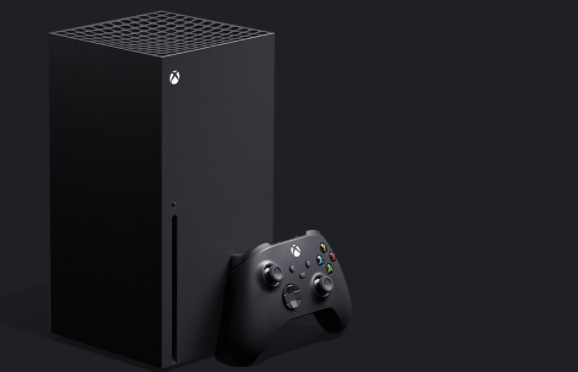
Did you know you can use your Xbox or PlayStation console instead of a desktop computer or a laptop or phone? Google Classroom or any other online learning tool works with the Xbox One, Xbox Series S, Xbox Series X, PlayStation 4, PS4 Pro or PS5 and a USB keyboard. Microsoft Edge is available to you as an Xbox user so the sites can be accessed that way.
How to access Google Classroom on Xbox:
1. Plug the wired keyboard into the Xbox using a USB port.
2. Press the Xbox button and scroll to ‘My games and apps’ in the side menu.
3. Click on ‘see all’, then to ‘apps’ and Microsoft Edge will be among the icons.
4. Log into classroom.google.com just as you do at school.
5. You can use your Xbox controller or a USB mouse.
If you have a PS4 or PS5, here’s what to do:
The PlayStation 4 has a browser which is easy to find, but locating it on the PS5 is more difficult. Open the System Settings, then the User Guide. An online user manual inside a web browser page will appear so all you have to do is change your intended URL.
1. For both models, plug the wired keyboard and mouse into the USB ports on the PS4 or PS5.
2. Locate classroom.google.com and then log in.
The work you can complete may be limited on games consoles, but you will be able to log in and see the work you have to complete. Any assigned work can be completed in an exercise book.